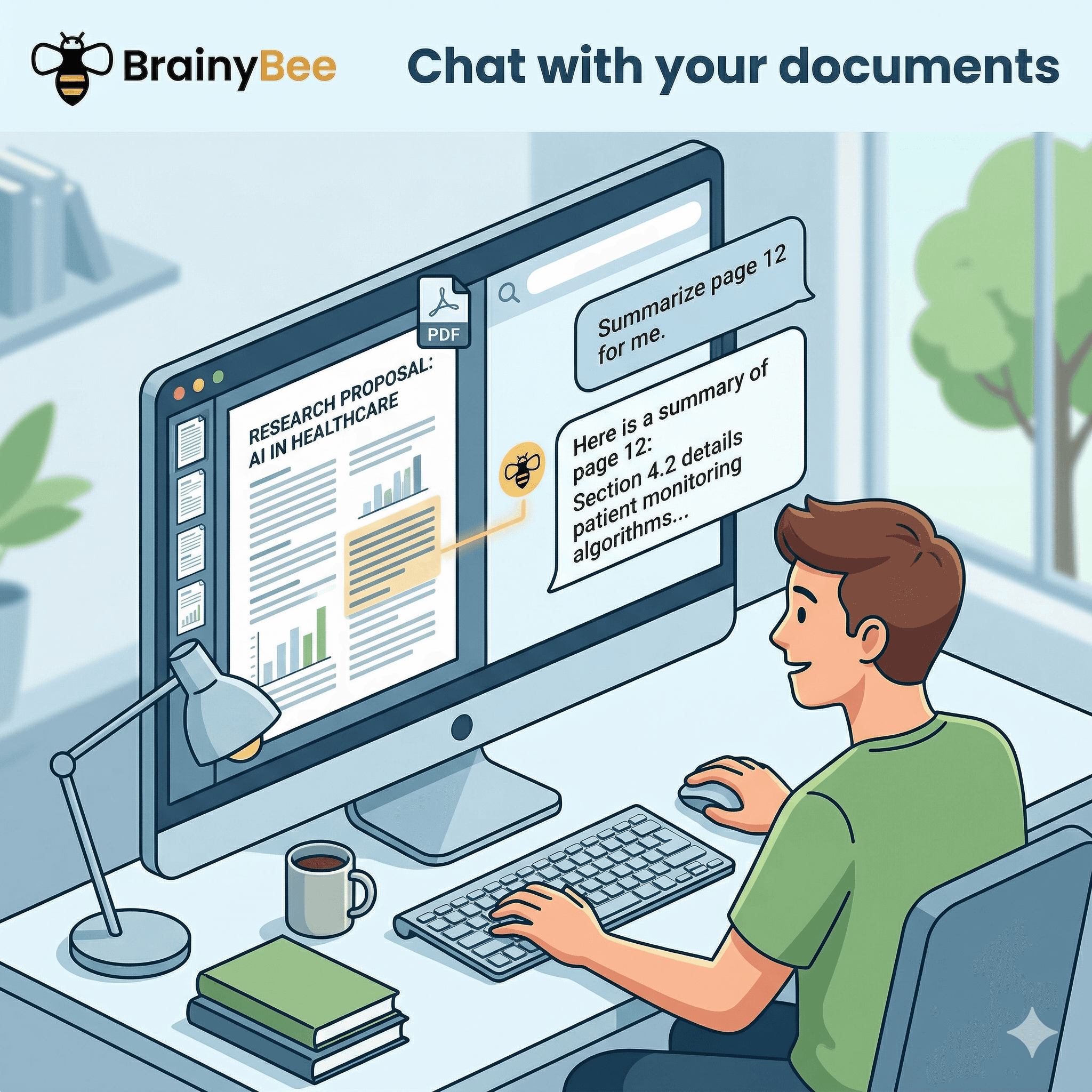
Reading a dense 50-page PDF on a complex topic can take hours. You skim, highlight, and hope the information sticks.
But what if you could just ask the document what you need to know?
With modern AI, your textbooks, research papers, and lecture slides are no longer static pages. By chatting with your PDFs, you transform passive reading into an active, high-speed learning session. Here are three powerful ways turning your documents into conversation partners will change how you study.
1. Get Instant Clarifications on Complex Jargon
Have you ever read a paragraph in a research paper three times and still had no idea what it said?
Instead of opening a new tab to endlessly Google terminology, you can ask your document to explain itself. If you're stuck on a dense methodology section or a confusing mathematical formula, simply ask the AI:
- "Explain the concept on page 12 to me as if I'm a first-year undergraduate."
- "Break down this formula and tell me what the 'x' variable represents in plain English."
- "What is the author's main argument in the introduction, simplified?"
The AI reads the exact context of the paper and gives you a tailored, easy-to-understand breakdown instantly.
2. Generate Custom Practice Tests and Quizzes
Active recall is one of the most effective ways to study. Instead of just re-reading a textbook chapter, you can use the document to quiz yourself.
Feed your chapter or lecture notes into the chat and try prompts like:
- "Generate a 10-question multiple-choice quiz based on the key concepts in Chapter 4."
- "Ask me 3 short-answer questions about the historical events mentioned in this text, one at a time, and grade my answer."
- "Create a set of flashcards covering the most important definitions in this document."
You don't need to spend an hour writing study materials—your PDF can do it for you in seconds.
3. Supercharge Your Search and Summarisation
Ctrl+F (or Cmd+F) only works if you know the exact word you're looking for. When you chat with a PDF, you can search by concept.
If you're writing an essay or trying to find a specific data point from a massive report, AI document chat acts as the ultimate research assistant:
- "Summarise the three main arguments against the proposed theory in this paper."
- "Find all the sections that talk about the impact of climate change on agriculture and give me bullet points."
- "Does the author mention anything about neural networks? If so, extract the exact quote."
You get the information you need without having to skim through dozens of irrelevant pages.
How to Chat with PDFs in BrainyBee (Two Ways)
BrainyBee gives you two different ways to interact with your study materials, depending on your needs.
Method 1: The Direct Chat Upload
If you're doing an intense deep-dive into a single document, you can drag and drop a PDF directly into the AI Chat.
- How it works: The file is passed in its entirety directly to the underlying Gemini 3.1 Pro AI model. It "reads" the whole thing in one go.
- Best for: Complex line-by-line breakdowns, rewriting paragraphs, or getting max-comprehension summaries of a single paper.
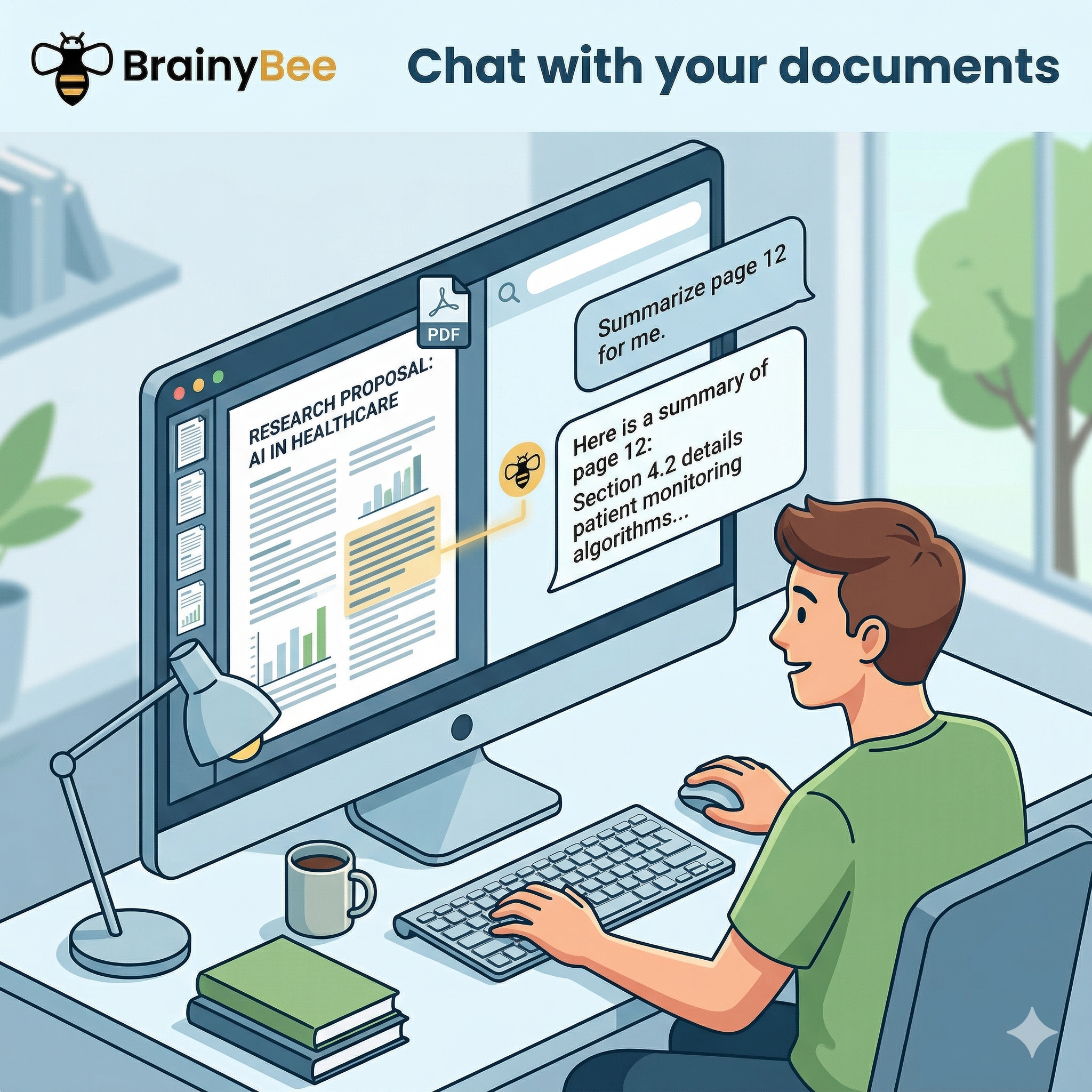
Method 2: Adding to Your Hive Document Library
If you are studying for a final exam and have 15 different PDFs and lecture transcripts, uploading them one-by-one to every new chat isn't practical.
- How it works: You can upload PDFs to the "Documents" tab in your Hive. BrainyBee securely indexes them using Google Cloud Vertex AI to build a long-term knowledge base.
- Best for: Cross-document research. When you ask a question, the AI searches across all the files saved in your Hive, piecing together answers from multiple different textbooks and citing its sources.
Ready to start talking to your textbooks? Create a free Hive at BrainyBee and upload your first PDF today!